Wired or Wireless Charging: What Your Phone and Charger Need
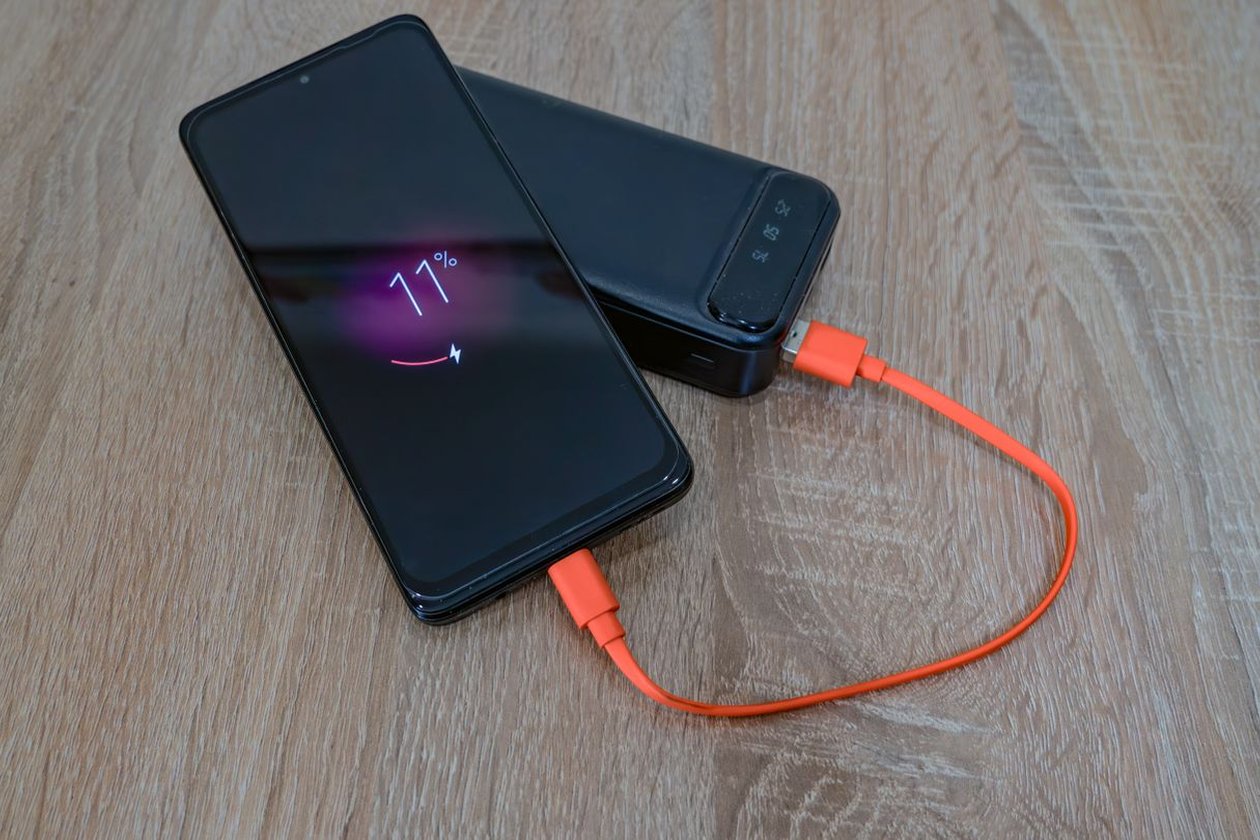
Choose wired charging for a short, predictable top-up when your phone already has a suitable cable. Consider a wireless stand where you regularly set the phone down for longer stretches. Before comparing speeds, identify the exact handset, the adapter output available at one port, and the cable or wireless charger that connects them.
Start with the time you actually have
Picture two charging spots. At the door you have half an hour between getting home and heading out. At the desk you put the phone down for several hours, lifting it occasionally for calls. A manufacturer’s half-charge time is worth investigating for the first spot. For the second, a stand you can reach easily and that lines up reliably may matter more than a few extra watts of peak power.
Write down the accessories you already own. Read the output printed on the wall adapter, its model number, the number of ports sharing that power, and both ends of the cable. A cable that connects to a laptop tells you little about the power available from the monitor or hub on the desk. If you plan to plug into a hub, check its downstream charging specifications separately.
Read the whole test condition
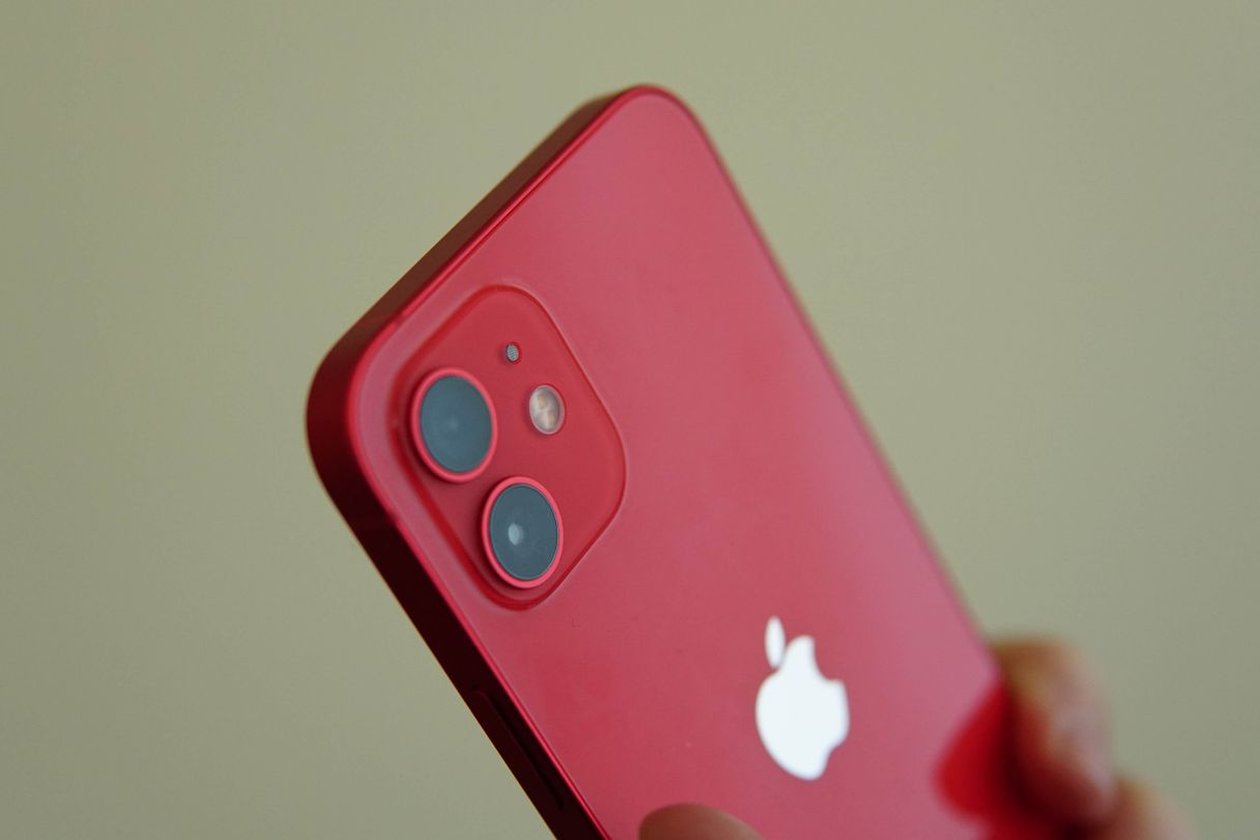
For the standard iPhone 16, Apple describes a charge of up to 50 percent in 30 minutes with a USB-C charging cable and a 20W or higher adapter. Its technical specifications also describe a MagSafe route with a 30W or higher adapter and the appropriate charger. Apple reports a test with a drained phone. You cannot double the half-charge time to calculate a reliable time from empty to full.
For a wired purchase, Apple’s fast-charging support page identifies USB Power Delivery for comparable third-party adapters. Match the cable to the phone as well. A USB-C to USB-C cable suits the iPhone 16, while an older iPhone with Lightning needs a different cable even if the wall adapter stays the same. For a multiport adapter, find the manufacturer’s power-allocation table and read the line for the combination of ports you will occupy.
| Charging setup | Detail to verify before buying |
|---|---|
| USB-C wall adapter plus cable | Phone’s supported method, cable ends and single-port output |
| Multiport travel adapter | Output available while the laptop or another phone is connected |
| Magnetic wireless pad | Exact pad model, compatible handset and wall-adapter requirement |
| Desk stand used with a case | Camera clearance and whether the case permits reliable alignment |
Check the pad as carefully as the phone
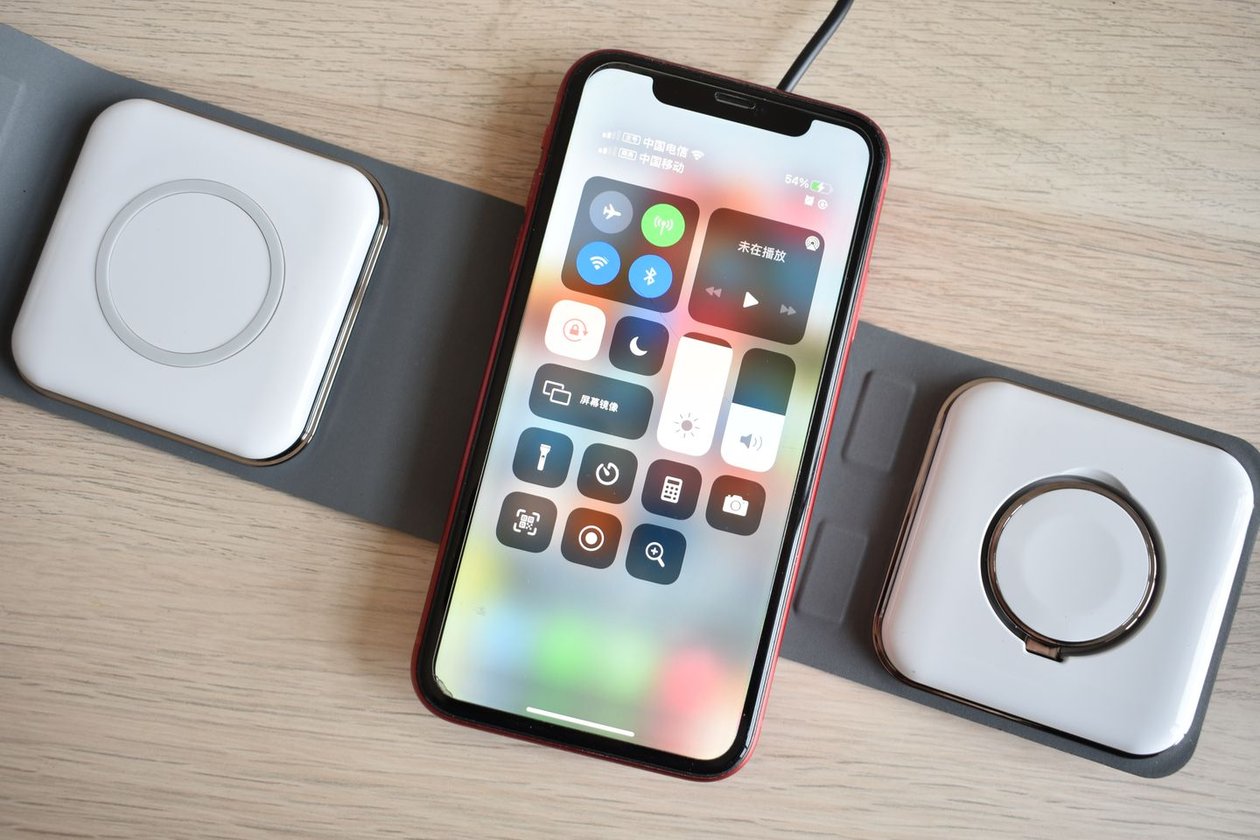
Apple’s MagSafe support page distinguishes chargers by part number. Look on the cable or the charger itself when considering a second-hand pad. The higher-speed configuration calls for a compatible MagSafe charger and a suitably rated power adapter. Two white discs with the same connector may belong to different generations. A listing that mentions only magnetic attachment leaves an important question unanswered.
Try your own case on the stand if possible. Check that the camera surround clears the surface, the phone sits where the coils align, and the charging indicator appears after putting the phone down with one hand. If the stand doubles as a clock, confirm you can read and silence it at the angle you will use. Those few checks tell you more about its bedside value than the power printed on the box.
Spend on the missing part
Price the whole working setup. A compatible cable and the USB-C adapter you already carry could make wired charging the cheaper travel option. A wireless pad that ships without an adapter may require two purchases. Conversely, an existing compatible pad that delivers enough charge over a workday can remain useful even when a newer model offers a higher peak.
For a final check, reproduce the moment that prompted the purchase. Start at a similar charge level on two days, plug in before breakfast or set the phone down at the desk, then note the level when you leave. Keep heavy use similar during the two sessions. Choose the arrangement that reliably gets you through the next stretch, and keep the part numbers in your notes for the next phone or replacement cable.